
How to Use Virtual Staging in Property Portals Like Rightmove & Zoopla
You have stunning virtually staged images — now what? A practical guide to uploading, labelling and presenting them on Rightmove, Zoopla and other UK portals.
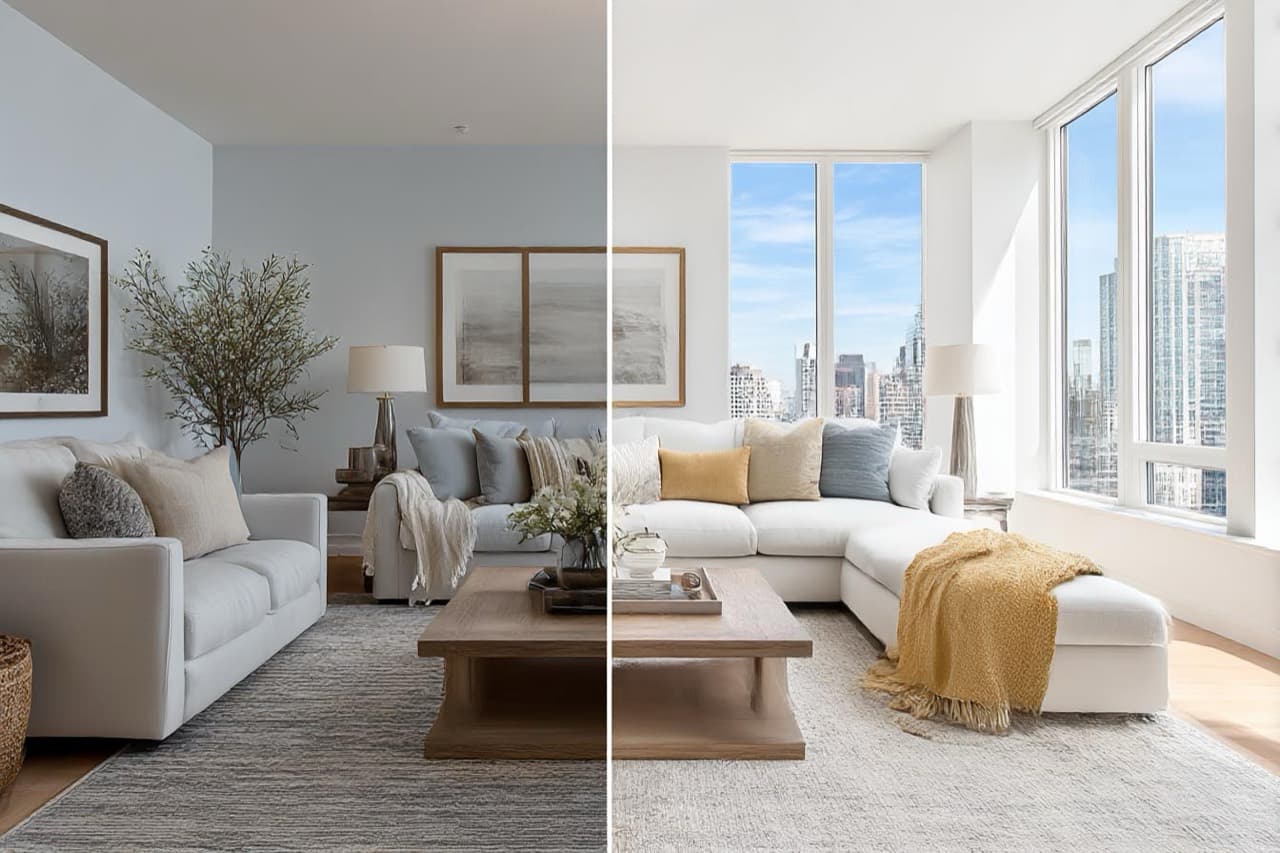
Key Takeaways
- Virtual staging is only as good as the source photo.
- Place staged images in the carousel with at least one real photo.
- Label images clearly as virtually staged (ASA guidance).
- Show a before/after view to demonstrate potential.
- Never misrepresent the layout or dimensions.
You have stunning virtually staged images of your property — now what? To get the full value from virtual staging, you need to showcase it effectively on platforms like Rightmove, Zoopla and other leading UK property portals.
Here is a practical guide on how to upload, label and present your virtually staged images the right way — so they grab attention without misleading buyers or renters.
Why use virtual staging on portals?
Rightmove and Zoopla listings are often a potential buyer's first impression. If your photos show empty rooms or tired furniture, chances are people will scroll right past. Virtual staging helps you:
- Showcase a property's full potential
- Make listings look more aspirational and lifestyle-focused
- Encourage more clicks, viewings and offers
- Stand out from similar properties in the area
How to use virtual staging on Rightmove & Zoopla
1. Use high-quality source images
Start with sharp, well-lit, professional photos. Virtual staging is only as good as the image it is applied to. Blurry or dark photos will look unconvincing, even with good staging.
2. Add the staged images to the photo carousel
Upload your virtually staged images directly into the main photo gallery. Ideally, place them towards the front — but always include at least one real (unstaged) photo to provide transparency.
3. Label the images clearly
Use a caption or watermark such as: "This image has been virtually staged for illustration purposes." This keeps you compliant with Advertising Standards Authority (ASA) guidance and helps build trust with viewers. If your CRM does not allow photo captions in the portal feed, include a short line in the property description noting that some images are virtually staged.
4. Offer a before/after view
If possible, show the empty room followed by the staged version. This helps buyers understand the transformation and appreciate the potential of the space.
5. Do not misrepresent
Avoid staging layouts that are not possible in real life (for example, a king-size bed in a single box room). Virtual staging is a marketing tool, not a trick.
Bonus tip: include a link to a gallery or brochure
If your portal listing allows, include a link to a digital brochure or staging gallery where buyers can see full-size images, floor plans and extra information. It is a smart way to drive engagement and build confidence in the property.
Why it matters
Used correctly, virtual staging on property portals can increase time spent on your listing, encourage more viewings, improve conversion rates and help your listing outperform the competition.
Ready to boost your listings? See virtual staging for estate agents or start staging now.
Frequently Asked Questions

The Virtual Staging Studio Team
Virtual Staging Specialists
The Virtual Staging Studio team produces AI-powered virtual staging that helps estate agents, developers and property professionals present empty rooms beautifully and sell faster.
Start transforming empty rooms today
Generate realistic virtual staging yourself in the app, or order done-for-you staging from our team. Either way, your next listing can look furnished in minutes.
Self-serve or done-for-you · talk to us
Related Articles
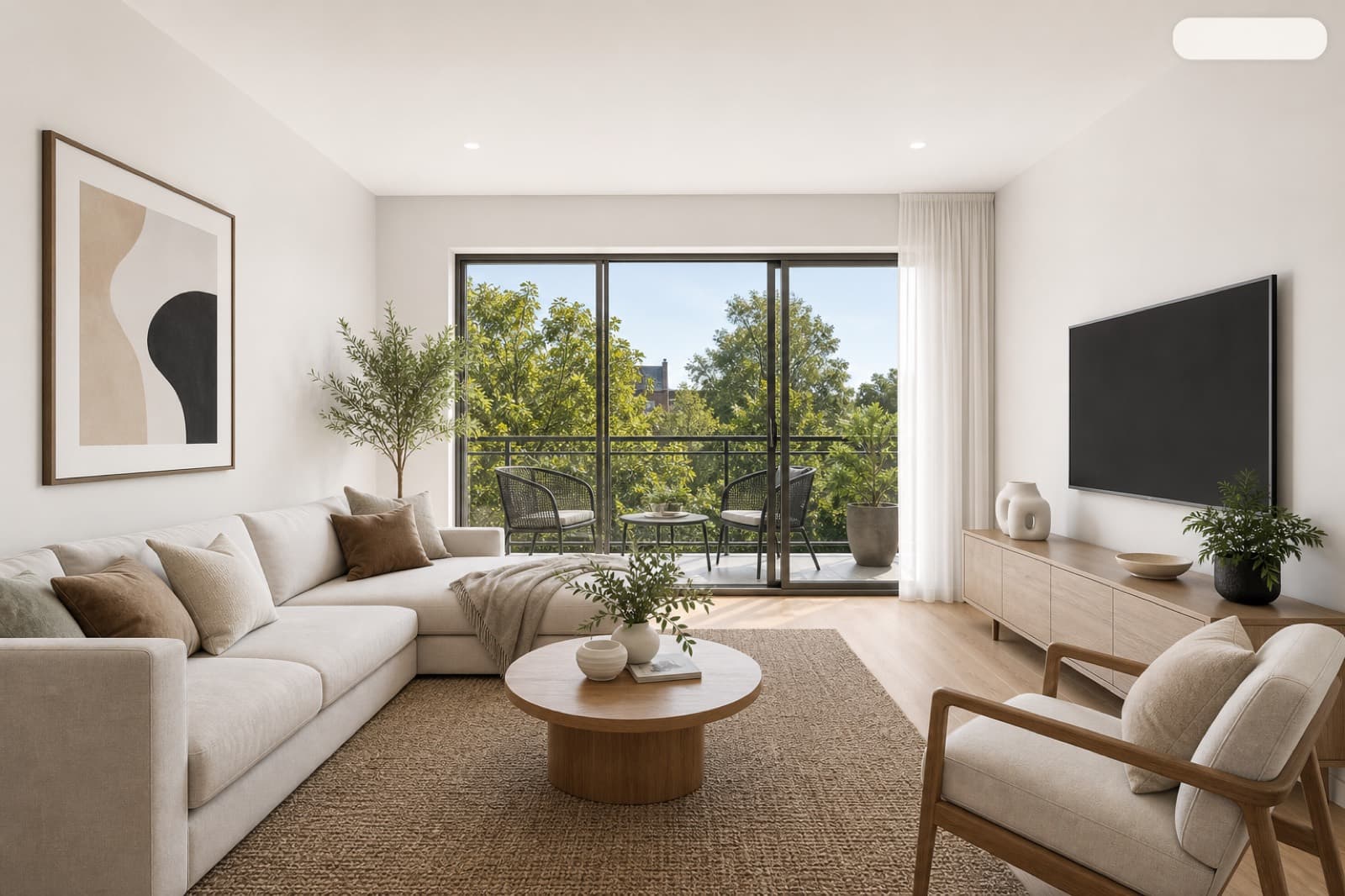
Do You Have to Disclose Virtual Staging? UK Rules, ASA & Portal Compliance
Is virtual staging legal, and do you have to say a photo is staged? A plain guide to UK advertising rules, the CPRs, ASA guidance and how to label staged images on Rightmove and Zoopla.
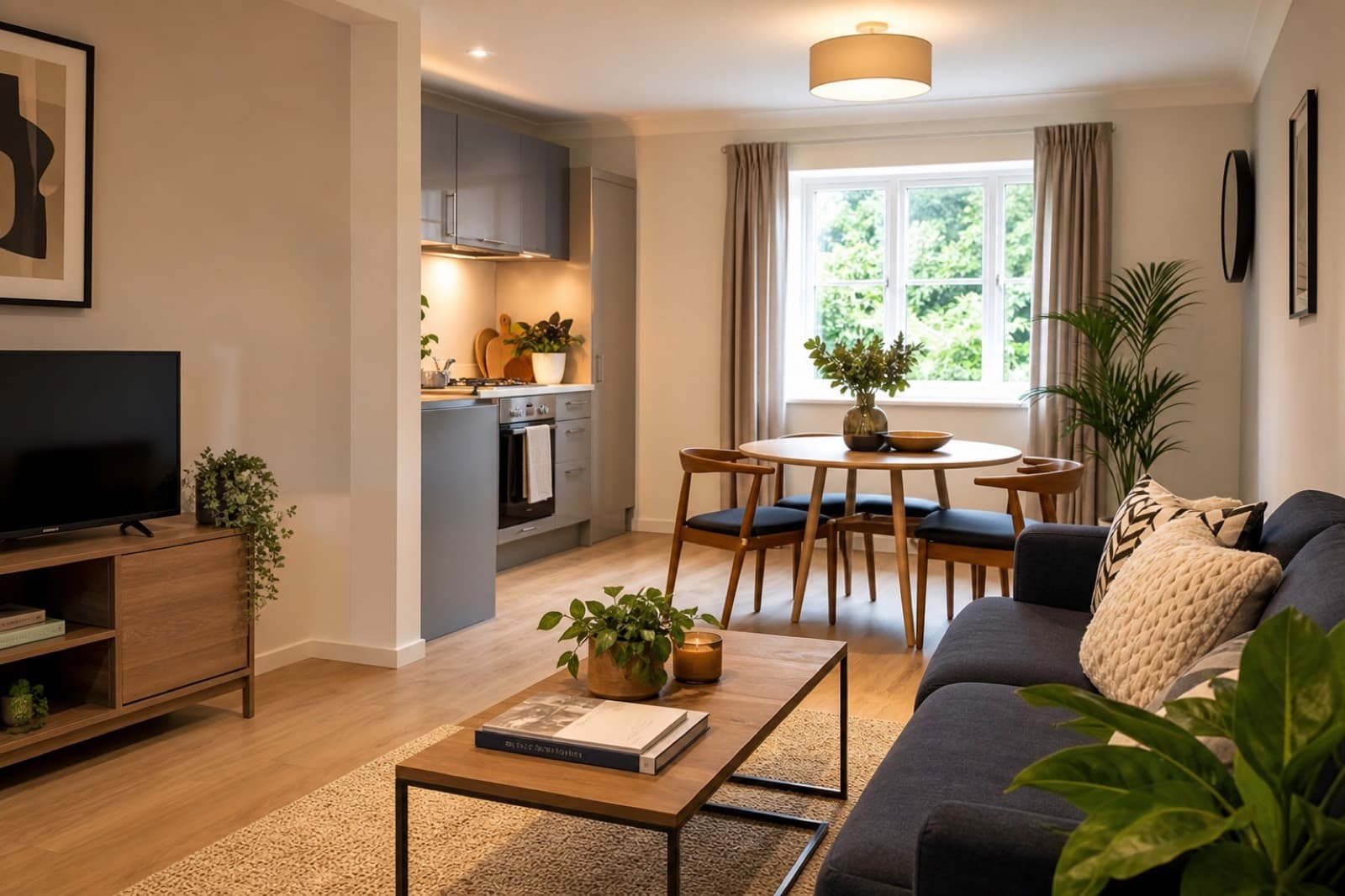
Virtual Staging for Rentals: How Landlords and Letting Agents Fill Voids Faster
Empty rentals cost money every day they sit vacant. Here is how landlords and letting agents use virtual staging to attract tenants, reduce void periods and let properties faster.
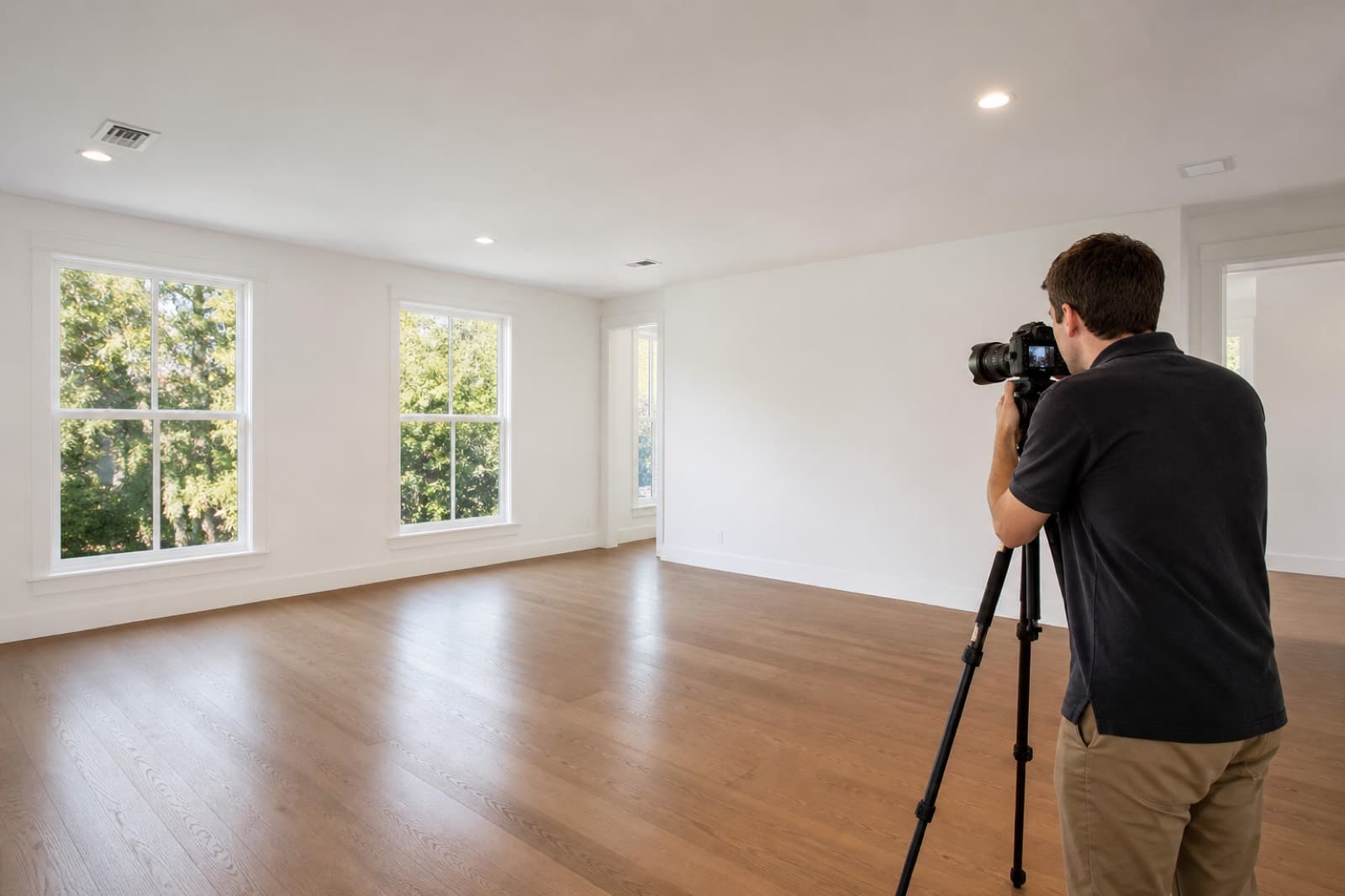
How to Photograph Empty Rooms for the Best Virtual Staging Results
Virtual staging is only as good as your source photo. A practical shoot guide for estate agents and photographers — angles, lighting, height and settings that make staging look flawless.